01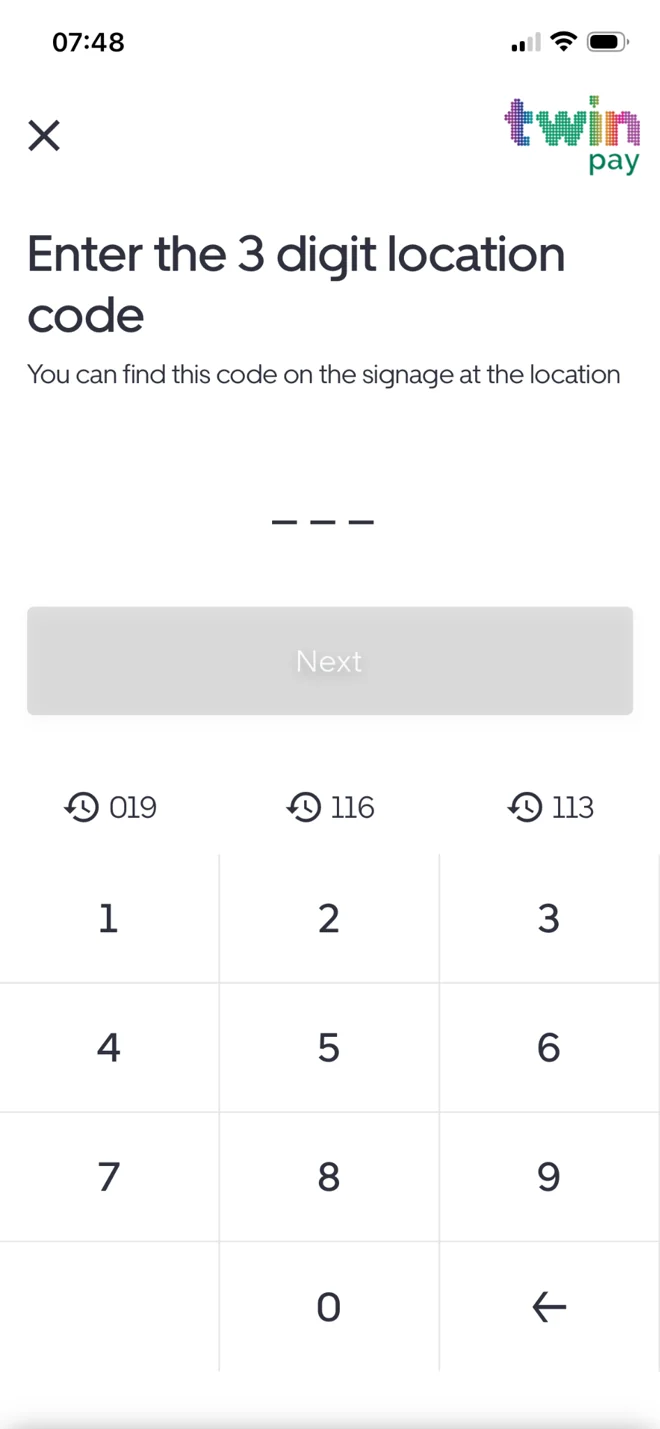
FIRST, FIND YOUR LOCATION
Enter the code on the sign.
Look for the three-digit Twin Pay location code displayed at the car park and enter it in the app.
Check you're using the code for the location where you've parked.

Follow the signs at your car park and the steps on your phone. Here's an example of a pay-on-exit journey.
Get Twin PayEverything you need, laid out in a straightforward flow.
Look for the three-digit Twin Pay location code displayed at the car park and enter it in the app.
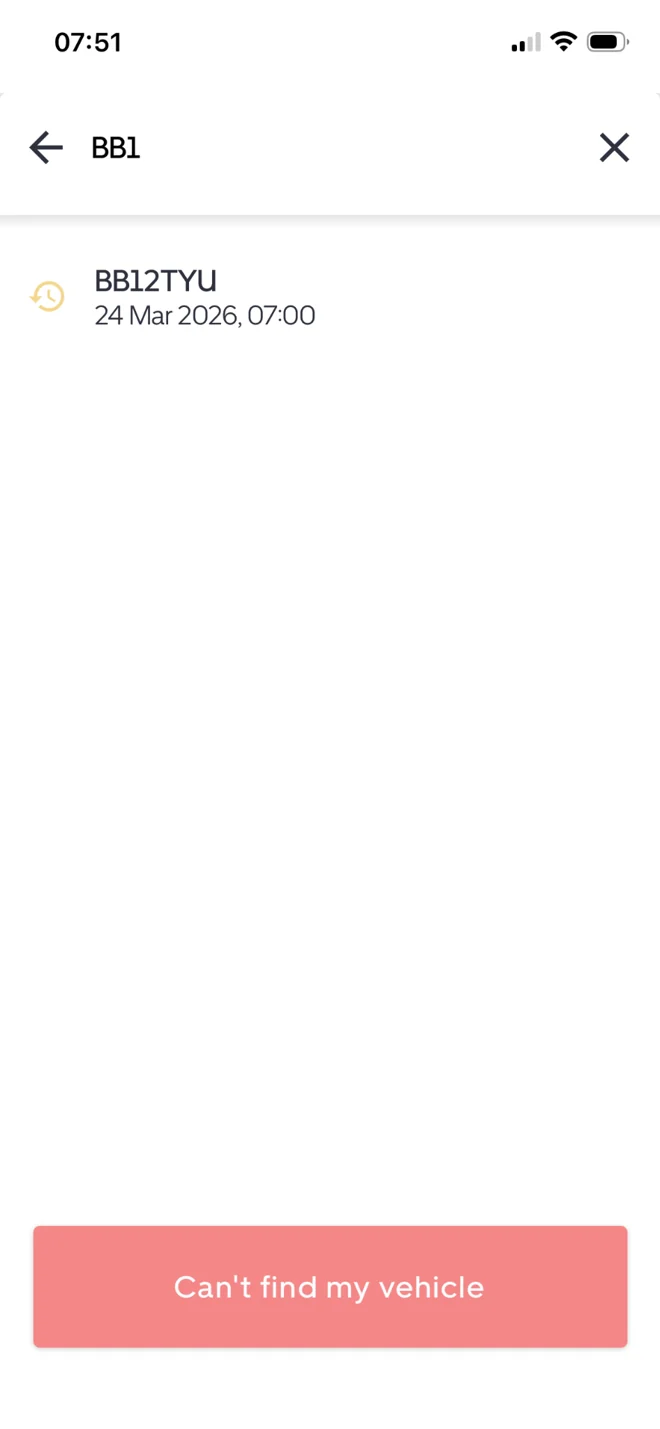
Enter the first three characters of your registration, choose your vehicle and check that the displayed parking session is yours.
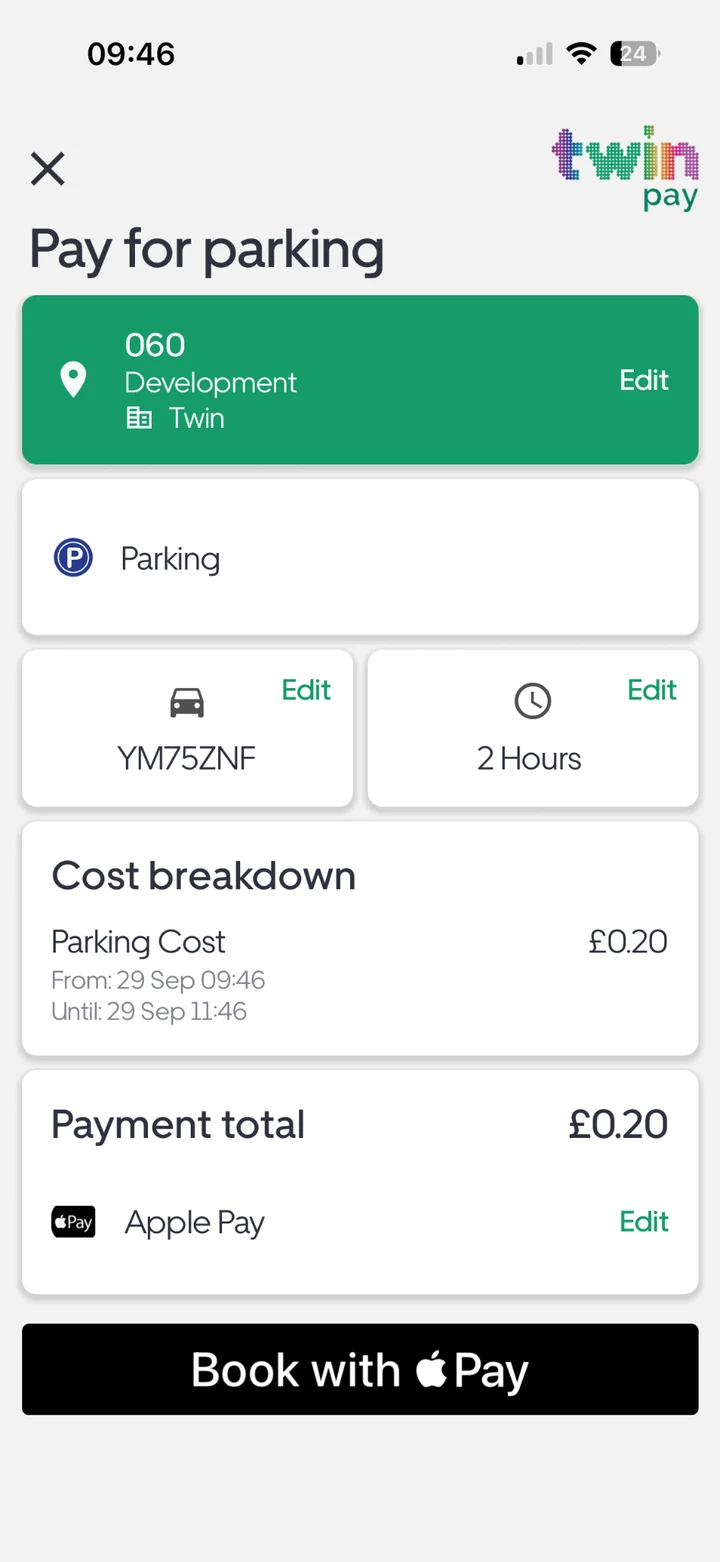
Review the car park, registration, session details and charge. Complete payment using an available method such as Apple Pay or card.
If a location permits extensions, choose Extend your existing session on the Twin Pay home screen and enter your session reference to continue.
See more app features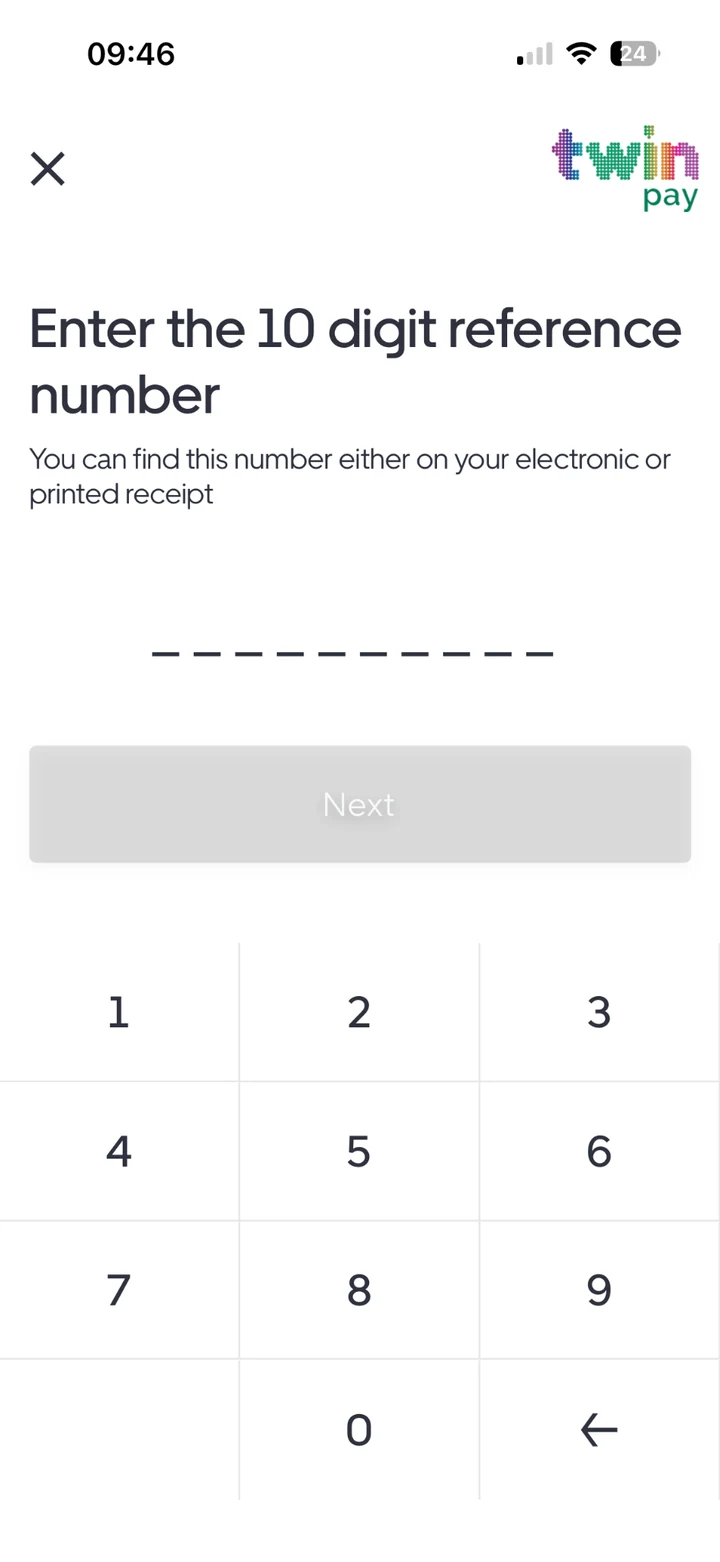
Look for the Twin Pay signage at your car park. The code identifies the location to use when paying.
Check the registration and selected location. Use the full-registration option if offered, or contact the support team if you still cannot find your session.
Not every car park offers extensions. Availability depends on the operator and location rules.
At a pay-on-exit location, pay at the end of your visit according to the signage and on-screen instructions.