
01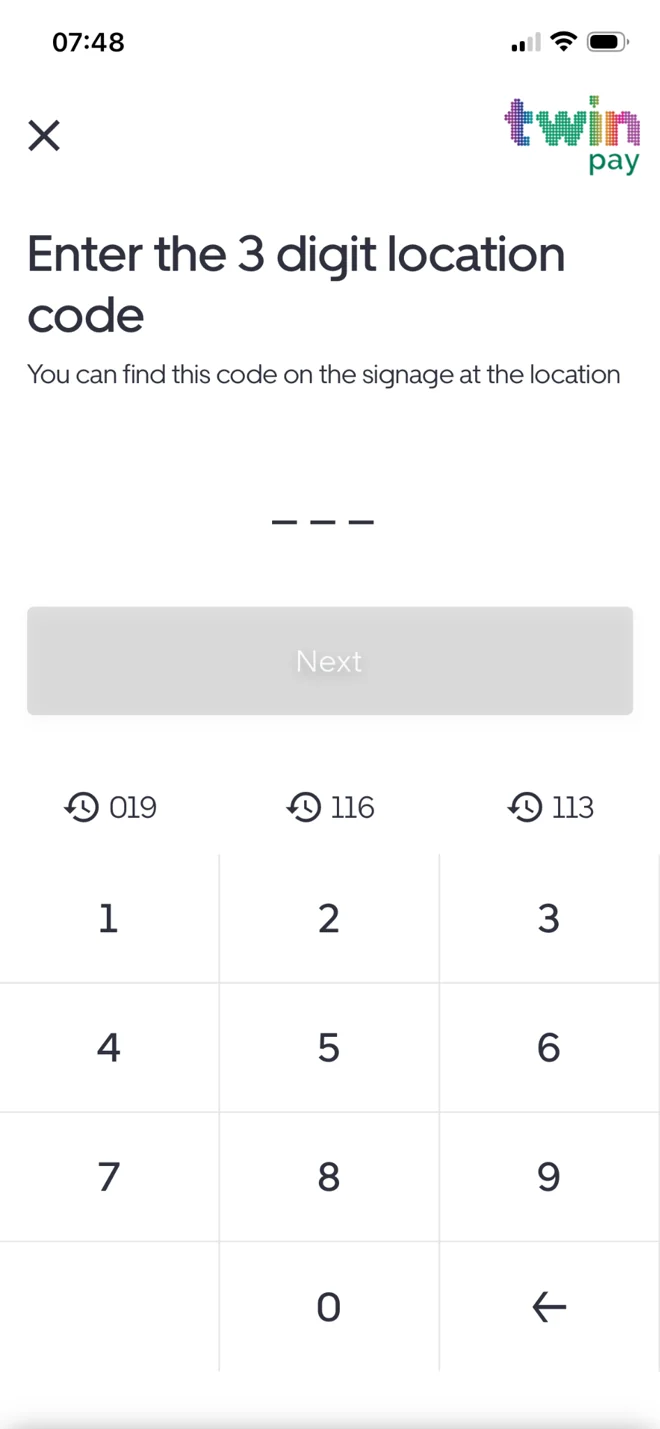
Enter your location code
Use the three-digit code shown on the signage where you've parked.

Pay on entry, pay on exit and extend eligible parking sessions, all from your phone. How you pay depends on the car park, so always follow the signage on site.


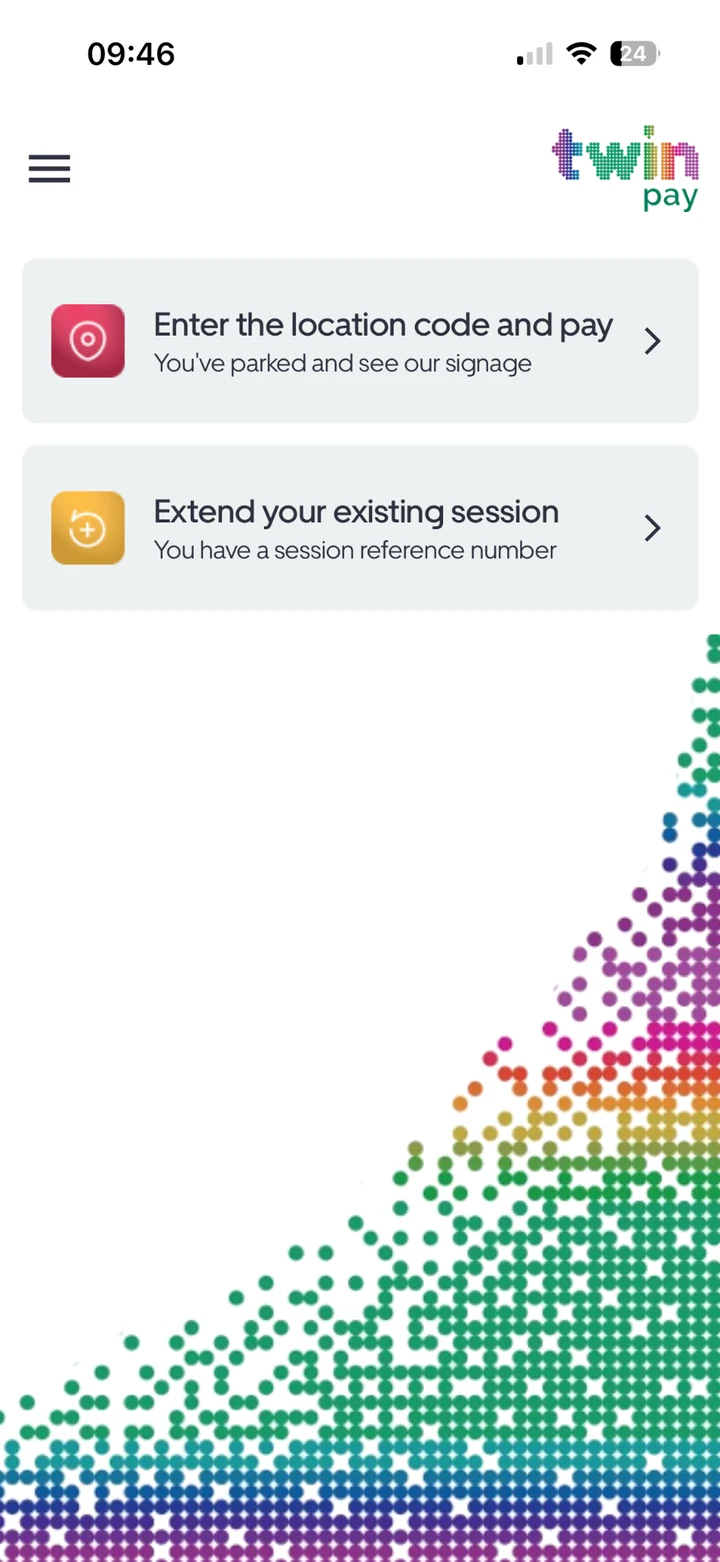
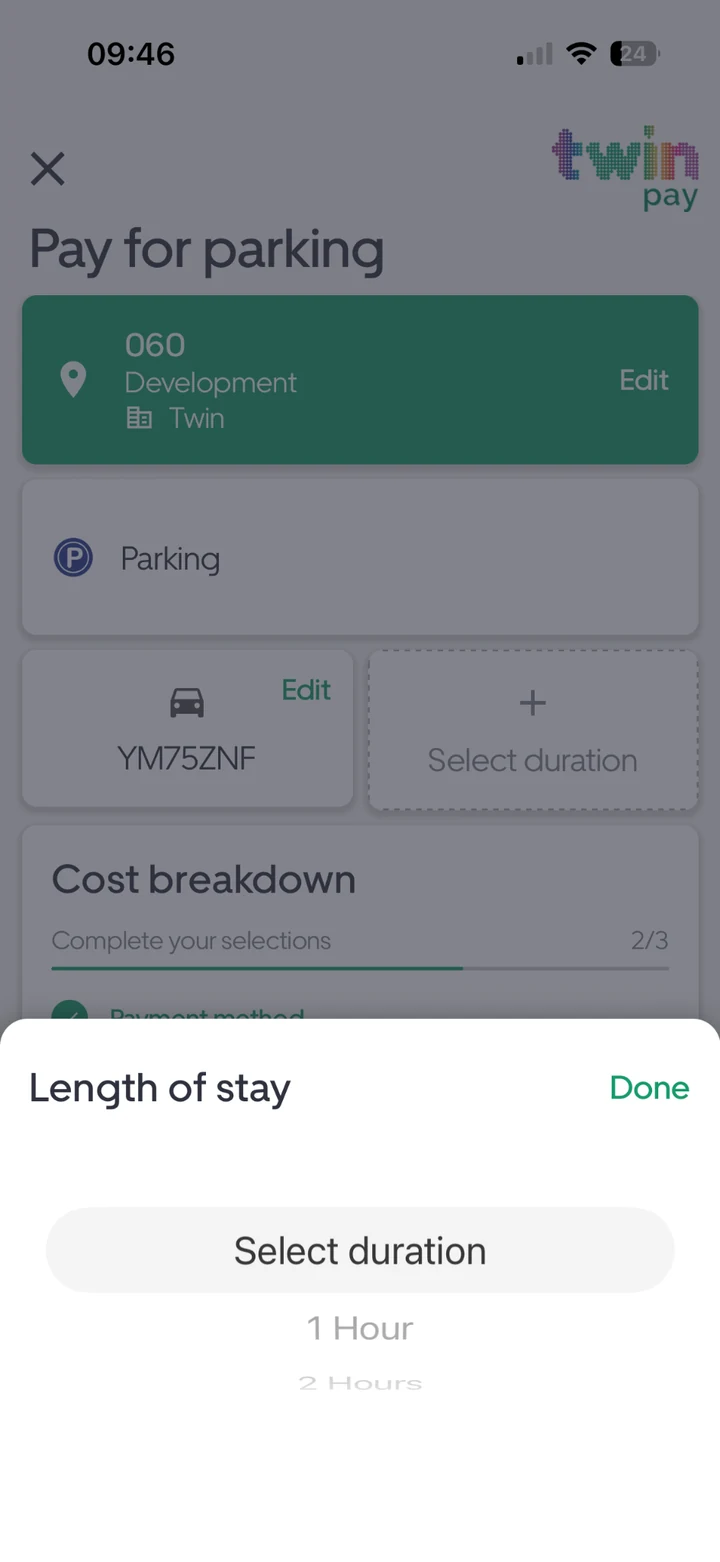
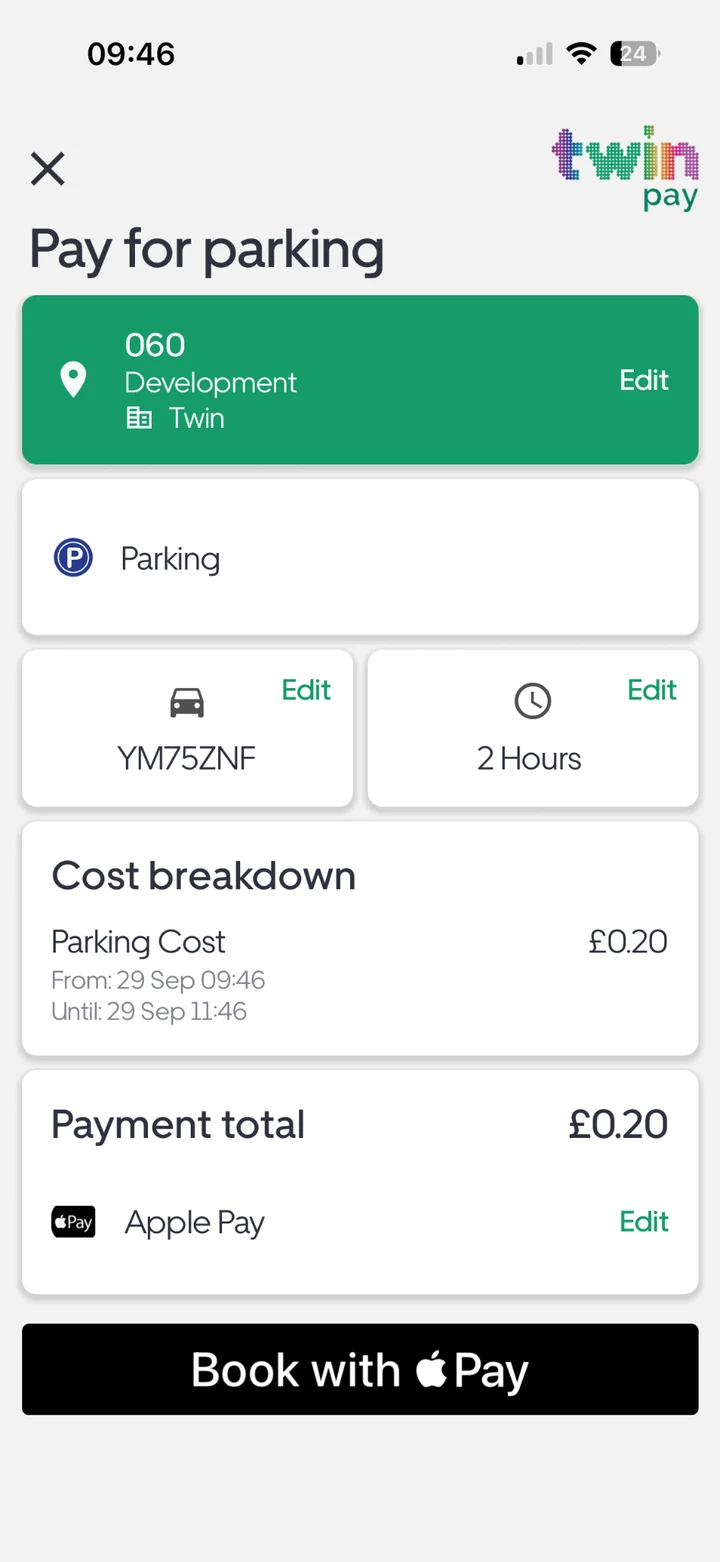
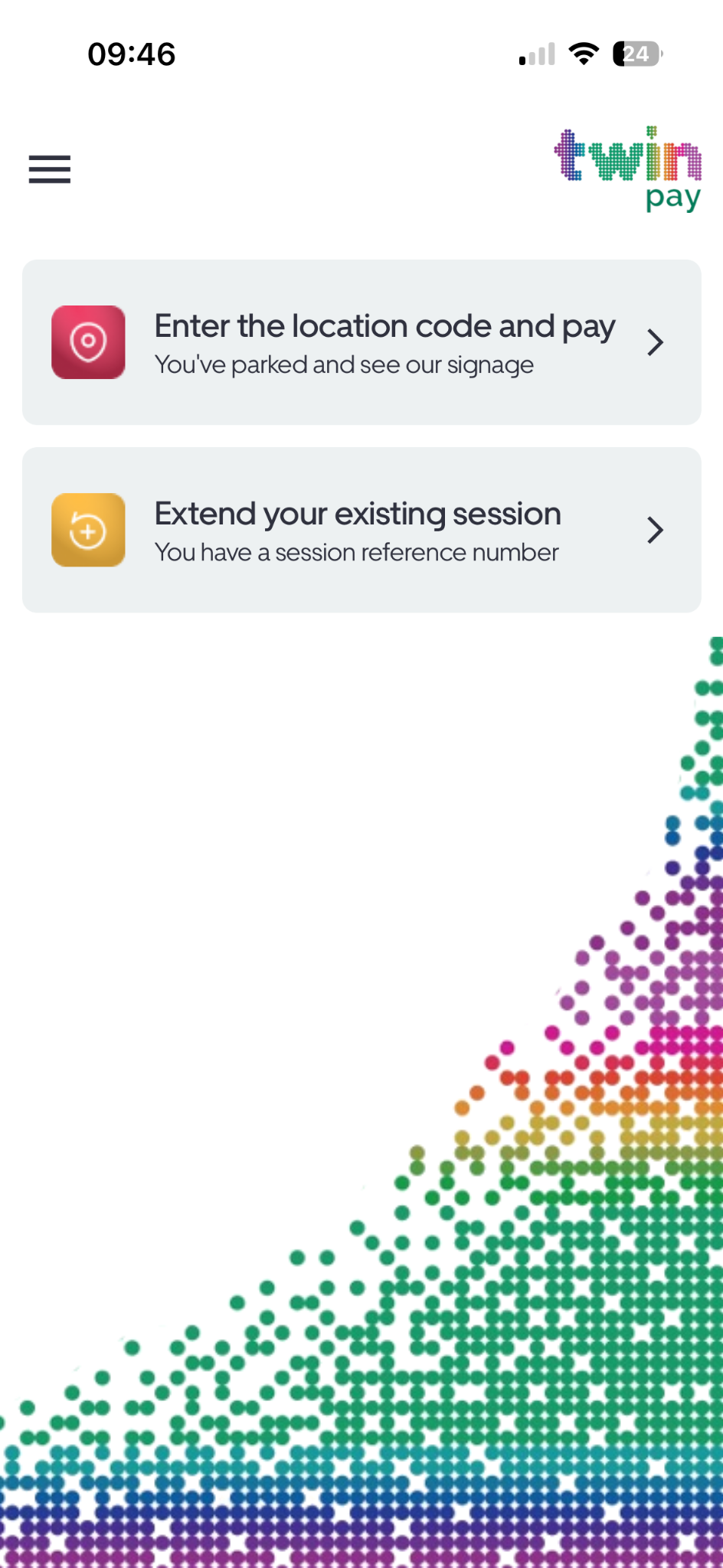
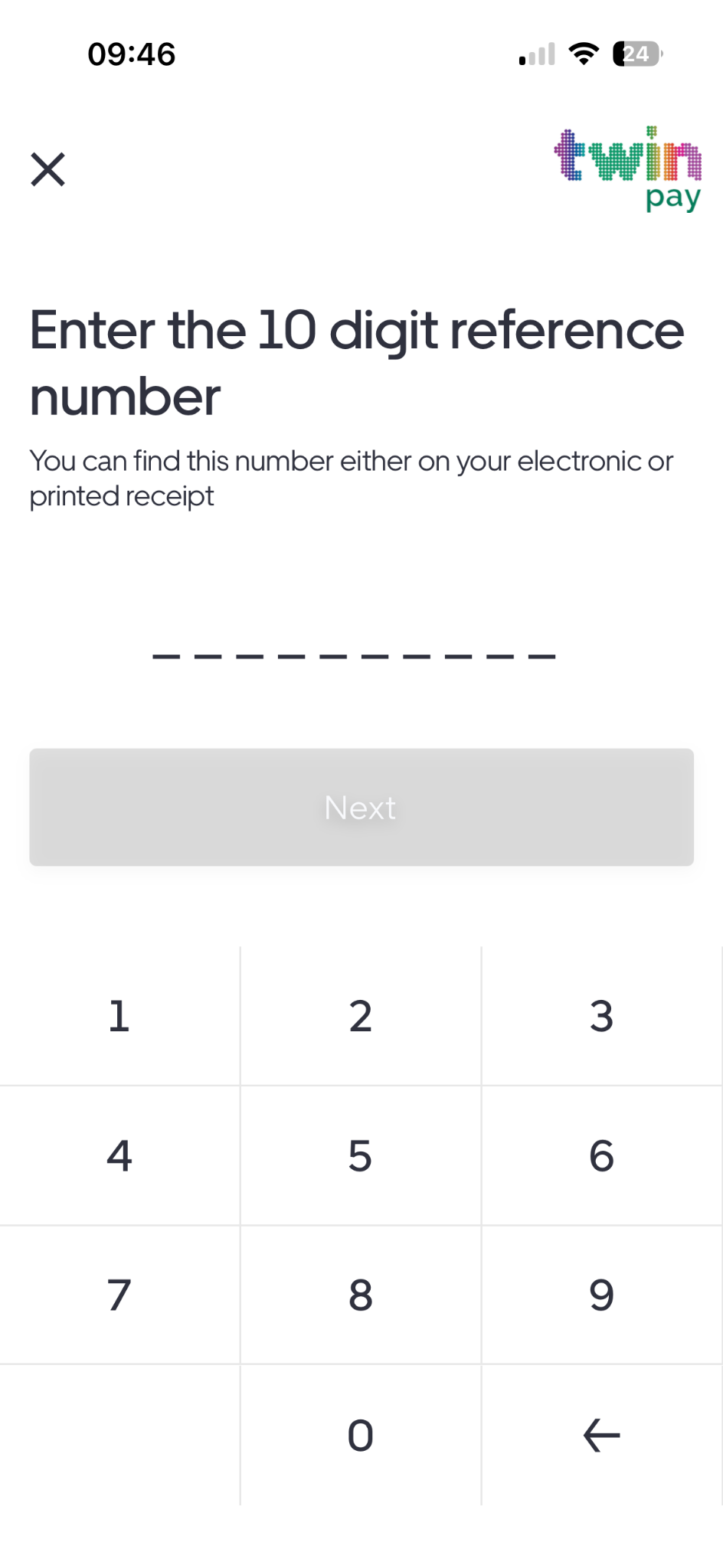
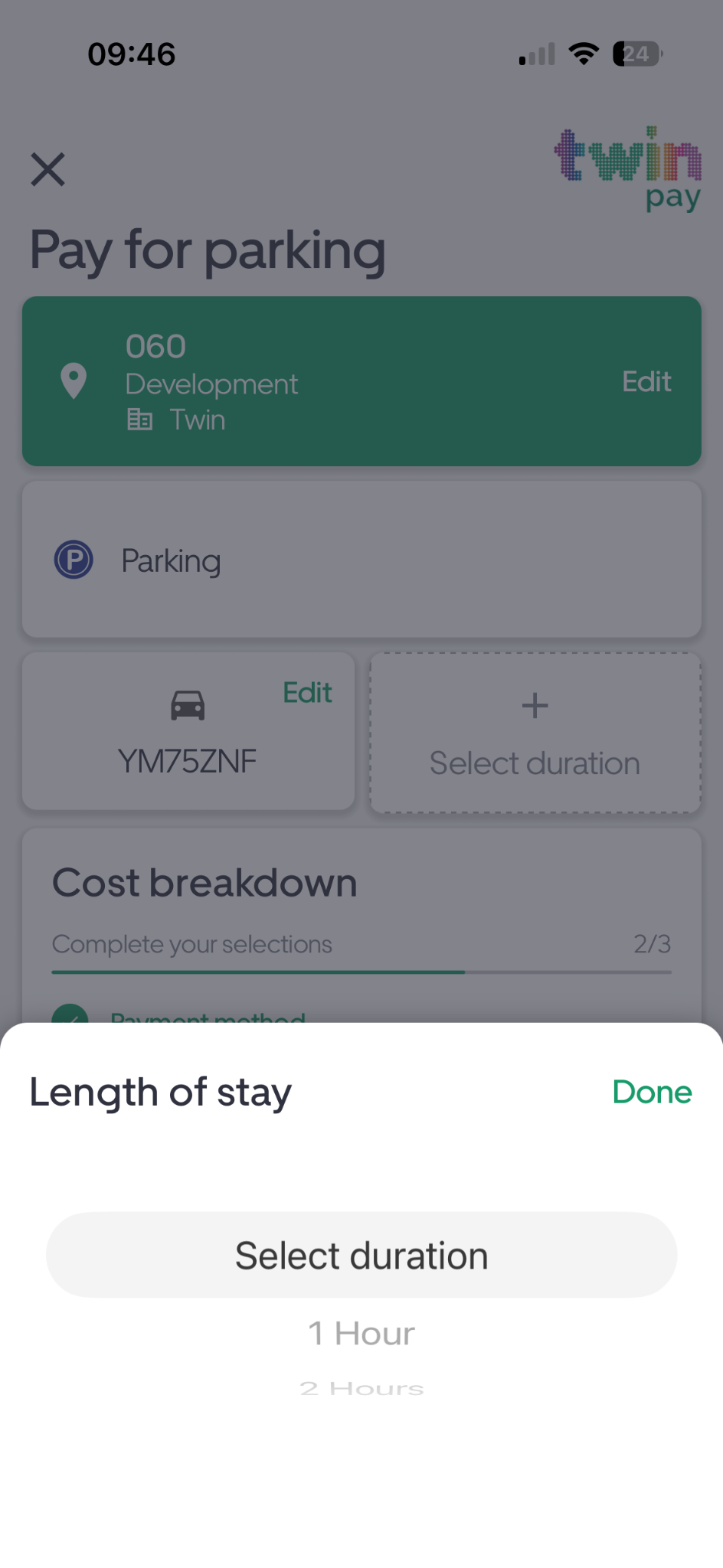
Real screens from the latest app. Select a screen to open the full-size image.
Twin Pay supports both pay on entry and pay on exit. The parking management company normally decides which method a site uses, so check the signage before you start.
Use the three-digit code shown on the signage where you've parked.
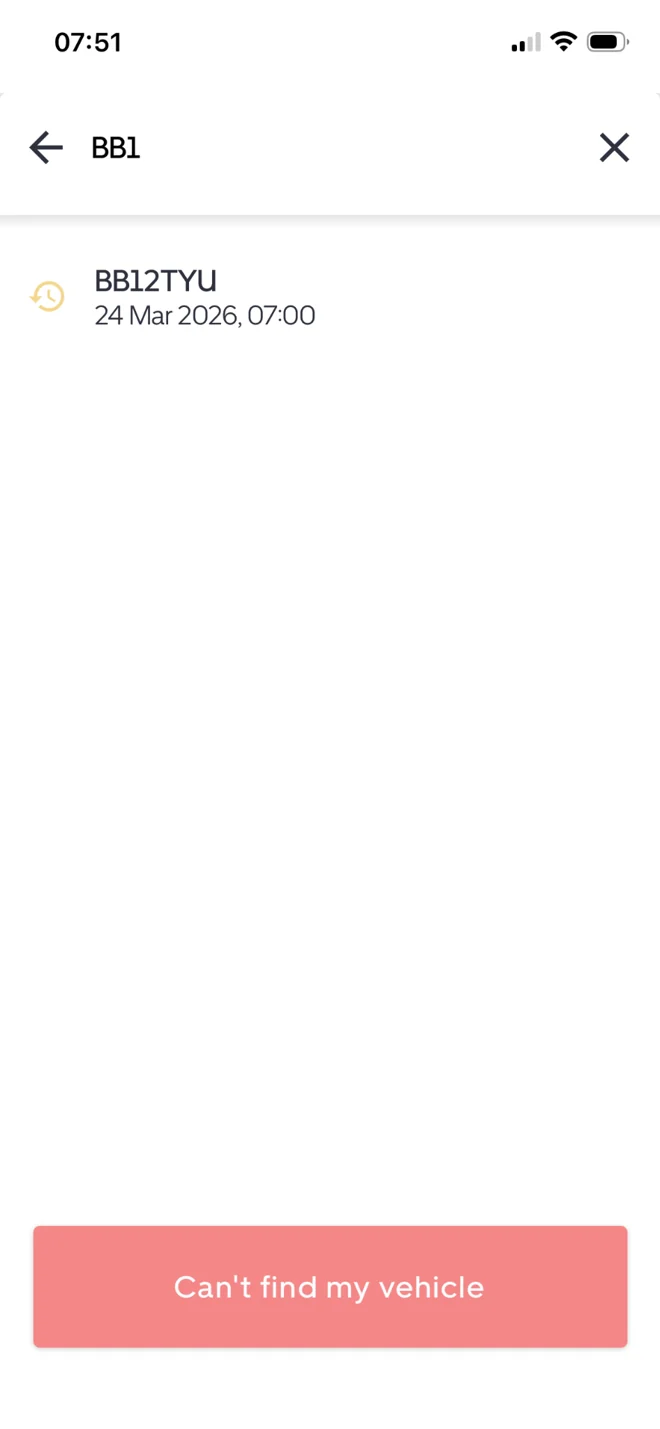
Pay on entry: choose the time required and select or add your vehicle. Pay on exit: find your vehicle and recorded parking session after your stay.
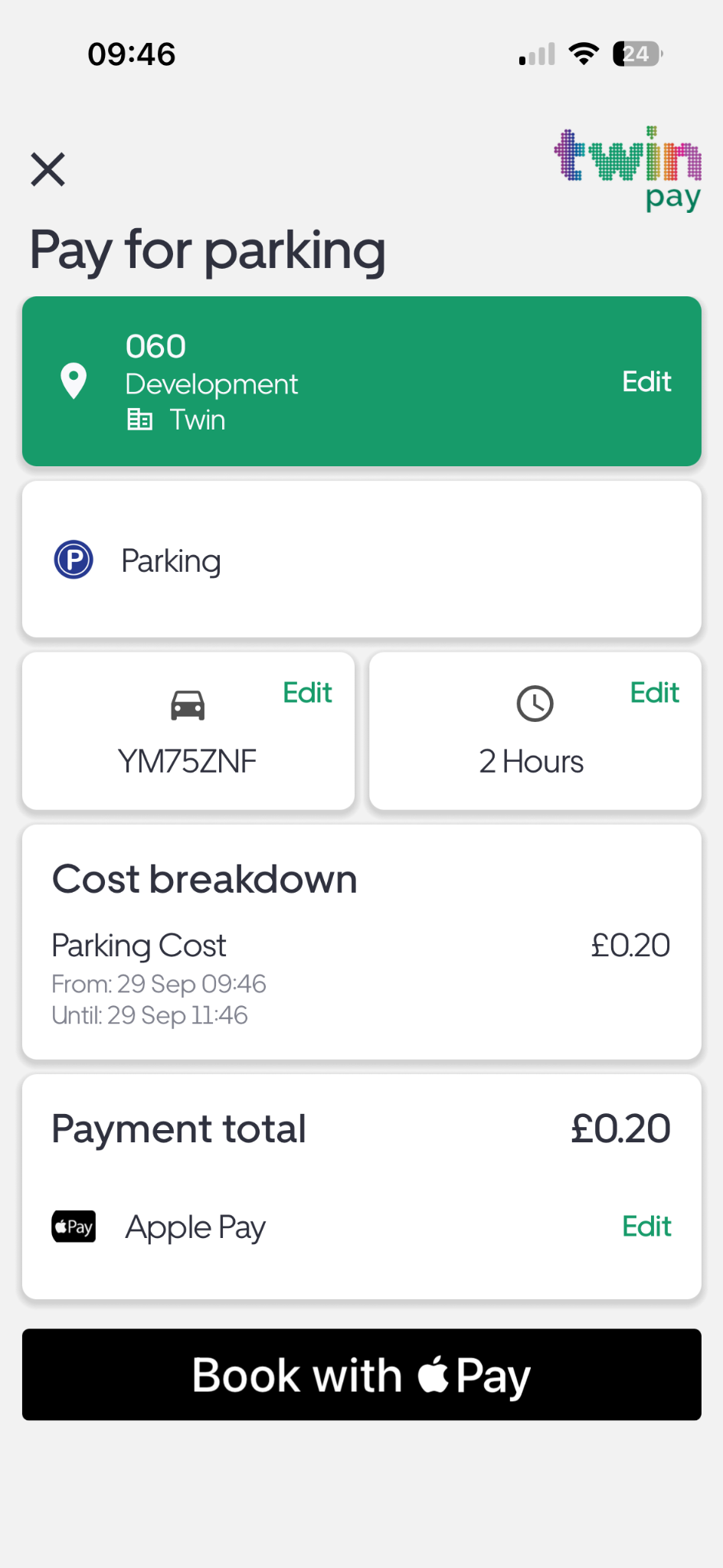
Review the session and amount before choosing an available payment method.
Payment flows, tariffs and extension options depend on the car park and its parking management company. Always check and follow the signage on site.
One clear place to manage the payment side of your parking visit.
Enter the location code, choose the parking time you need, select your vehicle and pay before or when starting your stay.
Staying a little longer? Where the site permits it, extend an eligible pay-on-entry session from the app.
At participating sites, find your ANPR session and pay at the end of your stay.
Choose from the payment options available, including card or Apple Pay where supported.
Check your vehicle, session and payment total before you confirm.
Give drivers a convenient digital way to pay while keeping the parking experience simple. Twin Pay connects the customer journey with Twin's wider payment and parking technology.
 payEnter the location code123Example sign illustration
Get Twin Pay on your phone and you're ready for your next participating location.